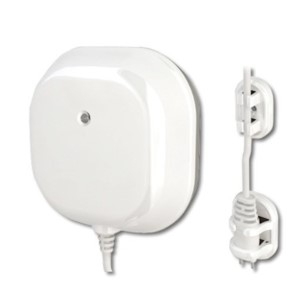
Everspring Z-Wave ST812-2 Water/Flood Sensor
Product Description
- IP44 water proof
- Built-in 60dB beep tone
- Special water sensor probe design to prevent false trigger
- Beep sound and LED indication
- Reports status to the gateway every hour
- Low battery indication
Working with PhD
- Monitor your Everspring Water/Flood Sensor and other connected devices with the Zinno app available on iOS&Android
- Receive alerts from PhD if the Everspring Water/Flood Sensor detects detects water
- Associate Everspring Water/Flood Sensor with other smart devices in Zinno App, and set them to turn on or off when sensor detects water
Add Everspring Water/Flood Sensor to PhD’s network
- On the Zinno app, press Left Menu Bar, then select “Devices”
- Select “+” button to put the PhD in inclusion mode, keep the sensor close to PhD within 3 feet (0.91 meter)
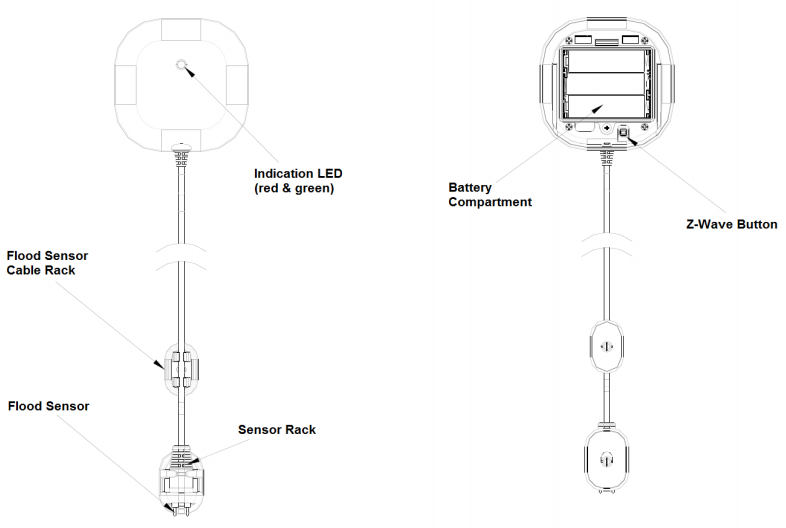
- Press program button 3 times within 1.5 seconds
- If detecting a new device successfully, PhD will announce “Found Device”, and Zinno app will display the dialog box, asking user to interact with device one more time
- Repeat step #3, PhD will announce “The device is being added”
- If adding the sensor successfully, PhD will announce “Adding Everspring Flood Detected Sensor success” and on Zinno app will display the dialog boxes that indicate user has added device successfully
Specification
- Model number: ST812-2
- Power source: Battery
- Battery type: x3 AA batteries
- Protocol: Z-Wave
- Dimension: 3.34 x 3.34 x 1.53 inches
- Weight: 0.37 pounds
- Color: White