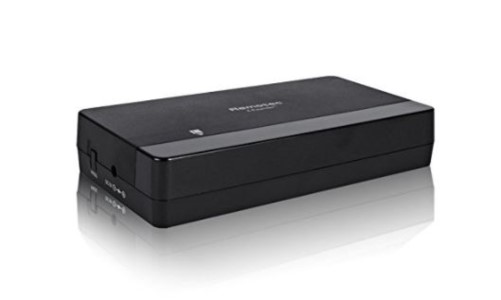
Remotec Z-Wave BW8371US IR Extender
Product Description
- Manage your AV IR-controlled appliances through a single mobile device
- Supports 3 Z-Wave command classes: Configuration, Simple AV and Multi-Channel
- Built-in AV IR code library for easy configuration
- Best-in-class learning capability
- Compact, minimal design
Working with PhD
- Control Remotec Z-Wave IR Extender and other connected devices with the Zinno app available on iOS&Android
- Associate Remotec Z-Wave IR Extender with other smart devices in Zinno App
- Automate the Remotec Z-Wave IR Extender with PhD Scence routes, like Good Morning, Goodnight…
Add Remotec Z-Wave IR Extender to PhD’s network
- On Zinno App, go to Menu → Devices → Tap “+” button to put PhD to inclusion mode
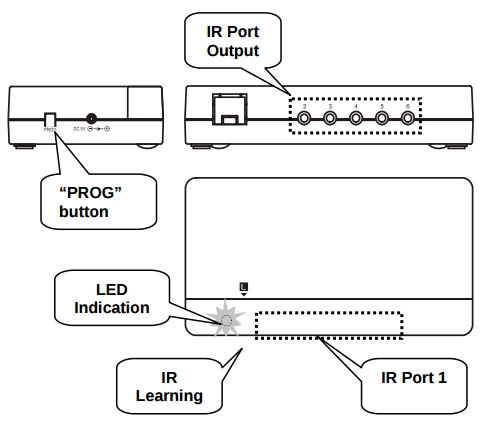
- Make sure Remotec Z-Wave IR Extender switched to Channel 1 (EP1)
- Press “PROG” button once. Device will be included/excluded to/from zwave network.
Specification
- Model number: BW8371US
- Power adaptor: 100~240Vac input, 5Vdc 1000mA
- Protocol: Z-Wave
- Dimension: 5.5 x 2.95 x 1.12 inches
- Weight: 0.19 pounds
- Color: Black